
Documentation & Instructions
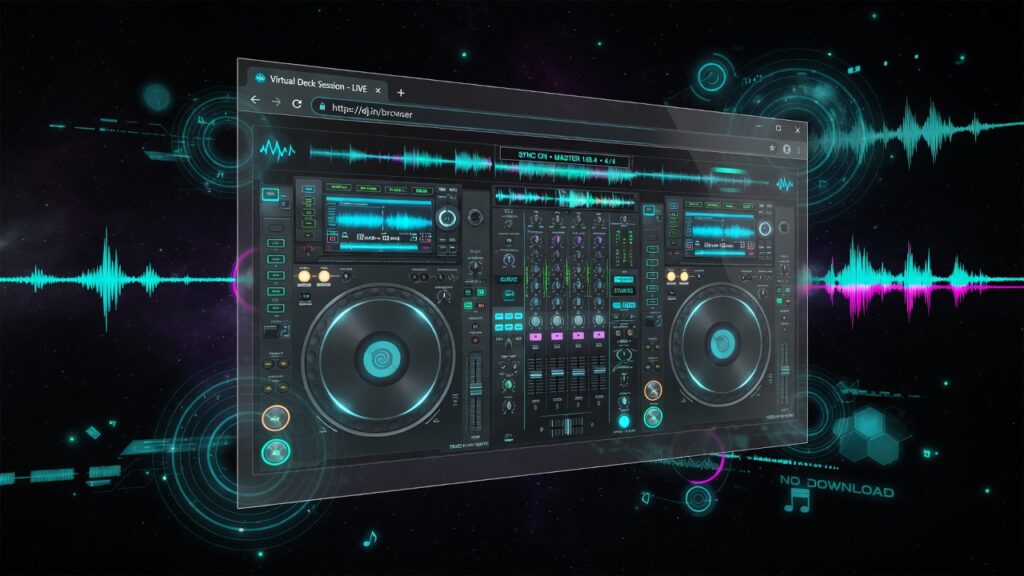
Free dual-deck DJ software that runs in Chrome, Edge, Firefox, and Safari. Two CDJ-WEB 100 decks and a DJM-WEB 1 mixer — MP3s, URL streams, jog, EQ, FX, hot cues, SYNC, mic, Web MIDI, and vertical Shorts capture. No install.
The APP is under active development. Maps and labels change. Press M or Tab in the app for live status.

[ Open CDJ-WEB 100 ] [ Add the Chrome extension ]
Browser-based dual CDJ & mixer
DJYAN.NET CDJ-WEB 100 is a free dual-deck DJ workstation that runs in your browser. Beatmatch, blend with a DJM-WEB 1-style mixer, use tempo and key (tone), channel EQ, effects (JET, ZIP, STEREO), hot cues, SYNC, live streams, mic, and Web MIDI controllers — powered by the Web Audio API. No download or install.
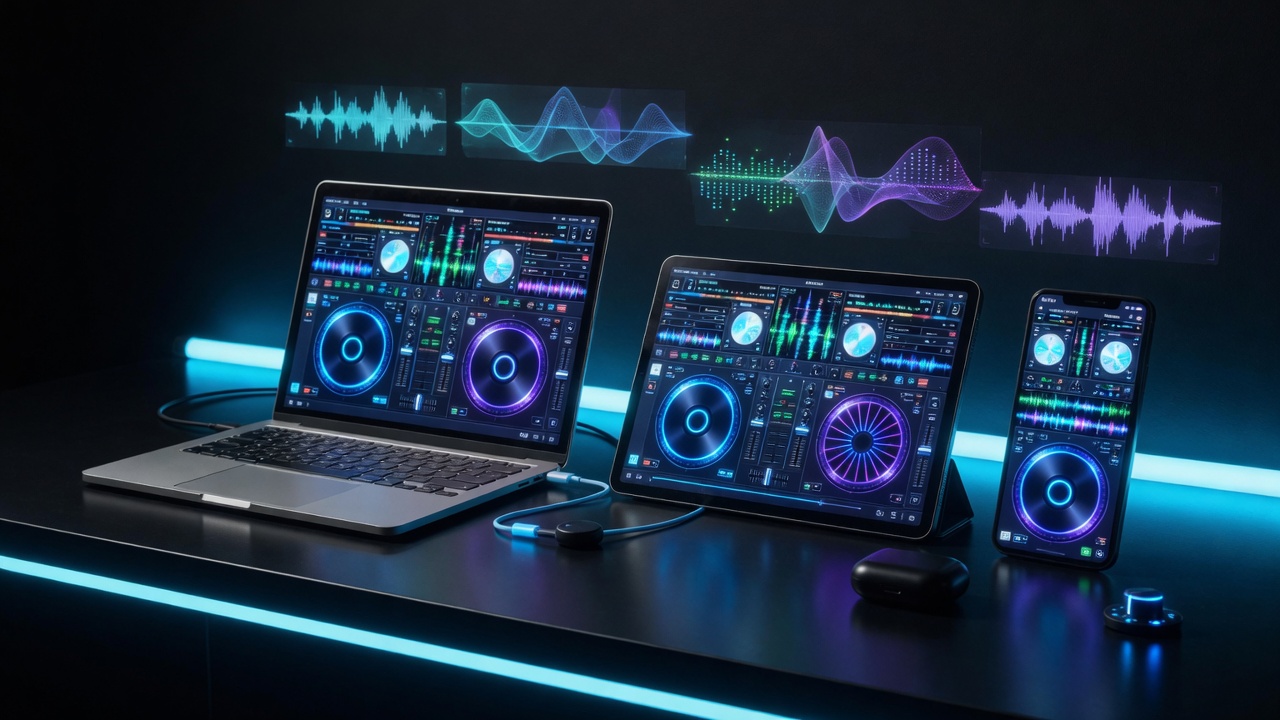
- Dual CDJ-WEB 100 decks — jog wheels, tempo, tone, FX, transport, hot cues, SYNC
- DJM-WEB 1 mixer — GAIN, HI / MID / LO EQ, channel faders, master, crossfader, mic
- Load tracks — LIBRARY, local MP3 (pick or drag & drop), or URL stream
- Hot cues 1–4 per deck (pads + keyboard; saved per track)
- Keyboard shortcuts for live control
- MIDI controllers — presets + learn (SC-2000 fully tested)
- Pro multi-out — when 2+ sound outputs, route Deck A / B separately
- Free embed for webmasters (iframe)
SYSTEM REQUIREMENTS
CPU: Quad-core or better, ~2018+ (e.g. i5/Ryzen 5 class, 4C/8T or more)
RAM: 8 GB+
Browser: Latest Chrome or Edge (best AudioWorklet support)
Display: 1280x800px or higher resolution recommended (side-by-side decks fit well)
Shorts recording [new Feature]
CDJ-WEB 100 can record vertical Shorts clips straight from the app. Hit SHORTS, pick Deck A or Deck B, then record a real on-screen capture of that deck as a 9:16 video (1080×1920, 30 fps) with master audio — up to 3 minutes. When you stop, the clip downloads so you can drop it into TikTok, Instagram Reels, YouTube Shorts, or anywhere else. Perfect for sharing a cue, a mix moment, or a quick deck demo without a separate screen recorder.
Start mixing (about 2 minutes)
- Open https://www.djyan.net/djtool/ (or the Chrome extension).
- Click Run CDJ-WEB 100. Browsers block audio until one click or key.
- Deck A: LIBRARY, URL, or Load / Drop MP3.
- Load a second track on Deck B.
- X plays A, B plays B. Blend on the crossfader. Ride GAIN and EQ.
- Optional: AUTOCUE, jog for bend, hot cues under the waveform, ? for in-app help.
Deck controls
- Tempo / Tone — rate and key, as above
- Jog — bend while playing, scrub when paused, sweeps focused FX
- JET / ZIP / STEREO — stackable. Jog sweeps JET notch / ZIP filter
- Hot cues 1–4 — empty sets, lit jumps, Shift clears; stored per track in this browser
- CUE / PLAY / SYNC — SYNC copies tempo + phase from the other deck
- TAP — tap tempo
- LIBRARY / URL / Load — catalog, live stream, local file
- Wave zoom — 2s / 5s / 7s / ALL
- Visualizer / Jog VIS — waveform and jog ring modes (RING, MIRROR, PULSE, GAUGE, RIPPLE)
- GRID ADJUST — see above
- AUTOCUE / CLR MEM — auto-cue on load; clear stored cues for the track
Mixer controls
- GAIN, then HI / MID / LO (−26 dB cut, 0 center, +6 dB boost)
- Channel faders, master, meters
- MIC — optional FX and talkover (permission only if you use it)
- Crossfader A ↔ B
- RESET beside the power LED — mixer defaults + clear saved mixer prefs on this device
Keyboard shortcuts
Deck A
- 1 2 3 — JET / ZIP / STEREO
- Q W E — Loop IN / OUT / RELOOP (T was the old CLR slot; use the CLR pad)
- A S D — Start / −10s / +10s
- Z CUE (hold = preview, release = back; PLAY latches)
- X PLAY / PAUSE
- C SYNC to Deck B
- F1–F4 hot cues (Shift = clear)
- ← → cue nudge ±10 ms (Shift = ±1 ms)
- Home / End pitch bend
- Ctrl+← / Ctrl+→ grid adjust
Deck B
- 4 5 6 — JET / ZIP / STEREO
- R T Y — Loop IN / OUT / RELOOP
- F G H — Start / −10s / +10s
- V CUE · B PLAY · N SYNC to Deck A
- F5–F8 hot cues
- Page Up / Page Down — pitch bend
- Ctrl+↓ / Ctrl+↑ grid adjust
Global
- ? — help + embed copy
- M / Tab — Updates / MIDI status
- I — hide / show key chips on buttons
- F11 / FULL — fullscreen (Esc exits)
- WINDOW — pop-out with less chrome
- Space — true fullscreen (as implemented in the app)
- URL on a deck — live stream (default Fragly Radio). Play + FX + visuals only: no cue, loop, sync, or tempo
- OUT — multi-output when 2+ devices exist (Chrome / Edge)
- MIDI — presets or LEARN (Chrome / Edge / Firefox desktop)
- LOW CPU — still jog, lighter visuals
- Double-click TEMPO — reset that deck
- Shift + jog — fine scrub / live cue edit
Notes
- Nudge keys repeat while held; bend keys are hold-to-bend until release.
- PLAY is S / K only — 5 is LOOP OUT on Deck A, not play.
- Hot cues: empty = set at playhead · lit = jump · Shift = clear. Saved per track in the browser.
- Bend keys ignore Ctrl / Meta / Alt chords (e.g. Ctrl+Home).
- Stream URL mode has no cue / loop / sync / tempo (play + FX + visualizers only).
Tip: press ? inside the app for the on-screen help panel and one-click copy of the embed code.
Embed a free DJ booth on your website
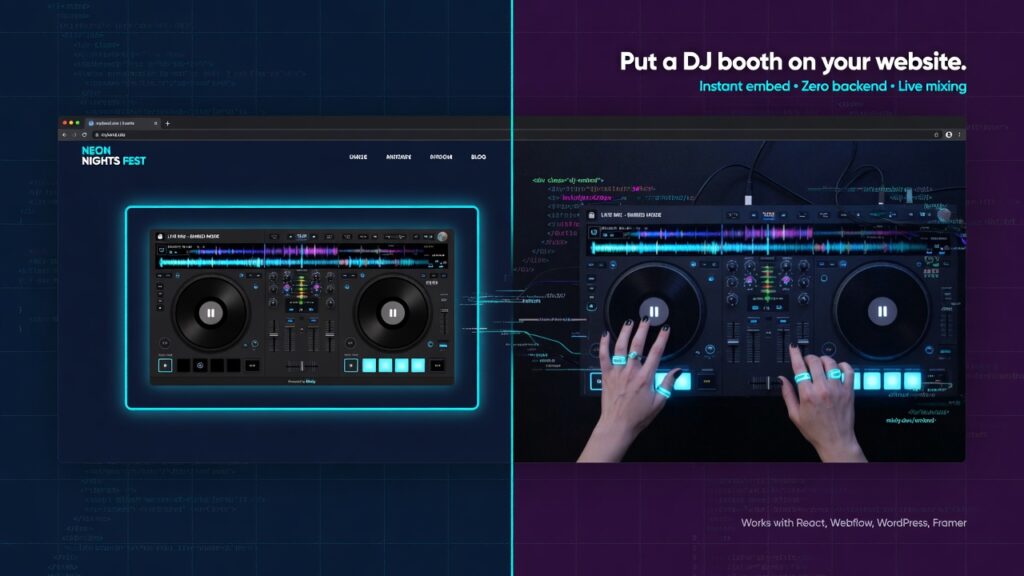
Put a DJ booth on your website — free iframe embed for WordPress, HTML, and modern site builders. Webmasters can embed DJYAN.NET free online DJ software with a single iframe. Recommended height is at least 750–800px so the full instrument fits without crushing.
Copy-paste embed code
<iframe
  src="https://www.djyan.net/djtool/"
  title="DJYAN.NET free online DJ — CDJ-WEB 100 & DJM-WEB 1"
  width="100%"
  height="780"
  style="border:0;min-height:780px;width:100%;max-width:100%;border-radius:8px;display:block;background:#0a0c0e;"
  allow="autoplay; microphone; clipboard-write; fullscreen"
  loading="lazy"
  referrerpolicy="strict-origin-when-cross-origin"
></iframe>
<p style="font:600 13px/1.4 system-ui,sans-serif;margin:8px 0 0;color:#6a7580;">
  <a href="https://www.djyan.net/djtool/" target="_blank" rel="noopener noreferrer" style="color:#00b8d4;text-decoration:none;">Free online DJ software</a>
  by <a href="https://www.djyan.net/" target="_blank" rel="noopener noreferrer" style="color:#00b8d4;text-decoration:none;">DJYAN.NET</a>
</p>
Works on standard HTML pages and most CMS tools that allow iframes (WordPress HTML block, Webflow embed, etc.). Visitors still need to interact with the page to start audio (browser autoplay policy).
- Modern browser with Web Audio API and JavaScript enabled
- Desktop recommended for full dual-deck layout; phones use a stacked layout
- Local MP3 / audio files from the user’s device
- Microphone permission only if using the MIC section
FAQ
Is this free online DJ software really free?
Yes. You can mix in the browser at djyan.net/djtool without installing an app its free for everybody.
Can I DJ from my phone or tablet?
Yes. Open the same URL on mobile or tablet. A larger screen is a must for comfortable work.
Can I put this on my website?
Yes — use the iframe embed above (or copy it from the in-app ? help panel).
Do you store my music?
No , only local files are loaded in the browser for playback. Mixer preferences may be saved in your browser’s local storage (EQ, faders, etc.) on that device only. Maybe in future versions …
For any questions or requests bug reports you can contact me.